Texas Roadhouse Gift Card Balance: How to Check It
How to check a Texas Roadhouse gift card balance directly on texasroadhouse.com, by phone, or in person.

Three Ways to Check Your Texas Roadhouse Balance
- Online — visit the official balance checker. You'll typically need the card number and the CVV/security code from the back of the card.
- Phone — call 1(800)839-7623 and follow the automated prompts. Have your card number ready.
- In-store — Ask a host or server at any Texas Roadhouse location to check your card balance.
Where to Buy Texas Roadhouse Gift Cards
Texas Roadhouse gift cards can be purchased directly through the official texasroadhouse.com gift card page, where you can buy physical or eGift cards and even personalize them with a company logo.
Many grocery store gift card racks (think Kroger, Walmart, Safeway, and similar chains) carry Texas Roadhouse cards alongside other popular restaurant brands.
Drugstores such as CVS and Walgreens often stock restaurant gift cards too, so it is worth checking their gift card display near the checkout.
Amazon also carries Texas Roadhouse gift cards, including standard and eGift options, though this is a secondary option compared to buying straight from the restaurant.
Buying in person at any Texas Roadhouse location is another simple option if you want the card right away.
Balance Showing $0 or the Check Failed?
A few common reasons: the card hasn't been activated yet, the funds have already been spent, the card was reported lost or deactivated, or — less commonly — the card was compromised before you got to use it. If something looks wrong, contact Texas Roadhouse directly using the phone number above. We can't look up or adjust balances ourselves — only point you to the official source.
FAQ
Do I need to create an account to check my balance?
No — most balance checks, online or by phone, just need the card number and security code/PIN, not an account.
Can I check my balance on my phone?
Yes, the online balance checker above works on mobile, and the phone number can be dialed directly from this page.
Is it safe to enter my card number online?
Only enter it on the official site linked above. Scam sites impersonating gift card balance checkers exist — double-check the URL before entering any card details anywhere.
Looking for an Actual Gift Instead?

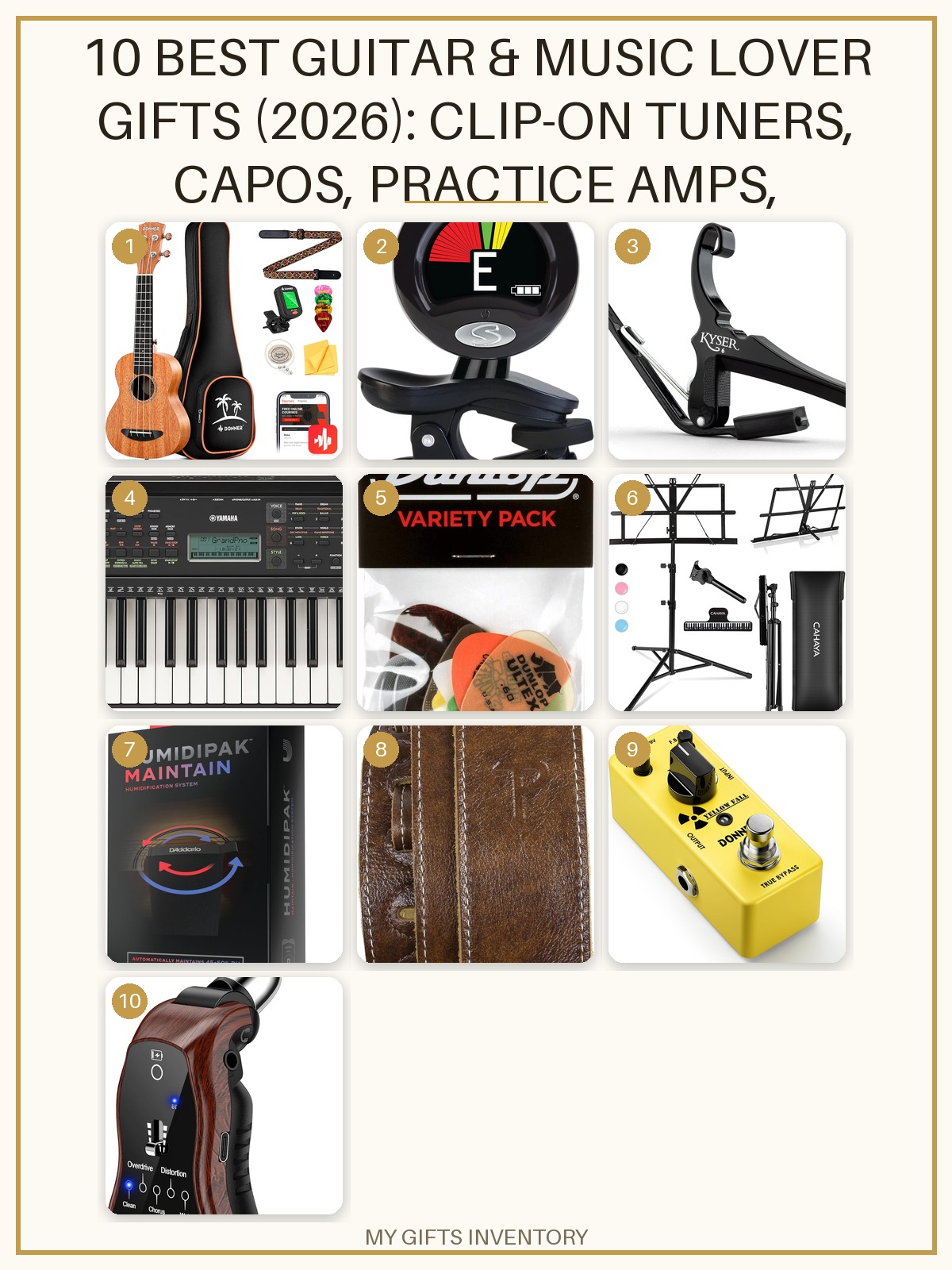


Shop Hand-Picked Gift Sets
Every item picked, priced and linked, ready to buy.

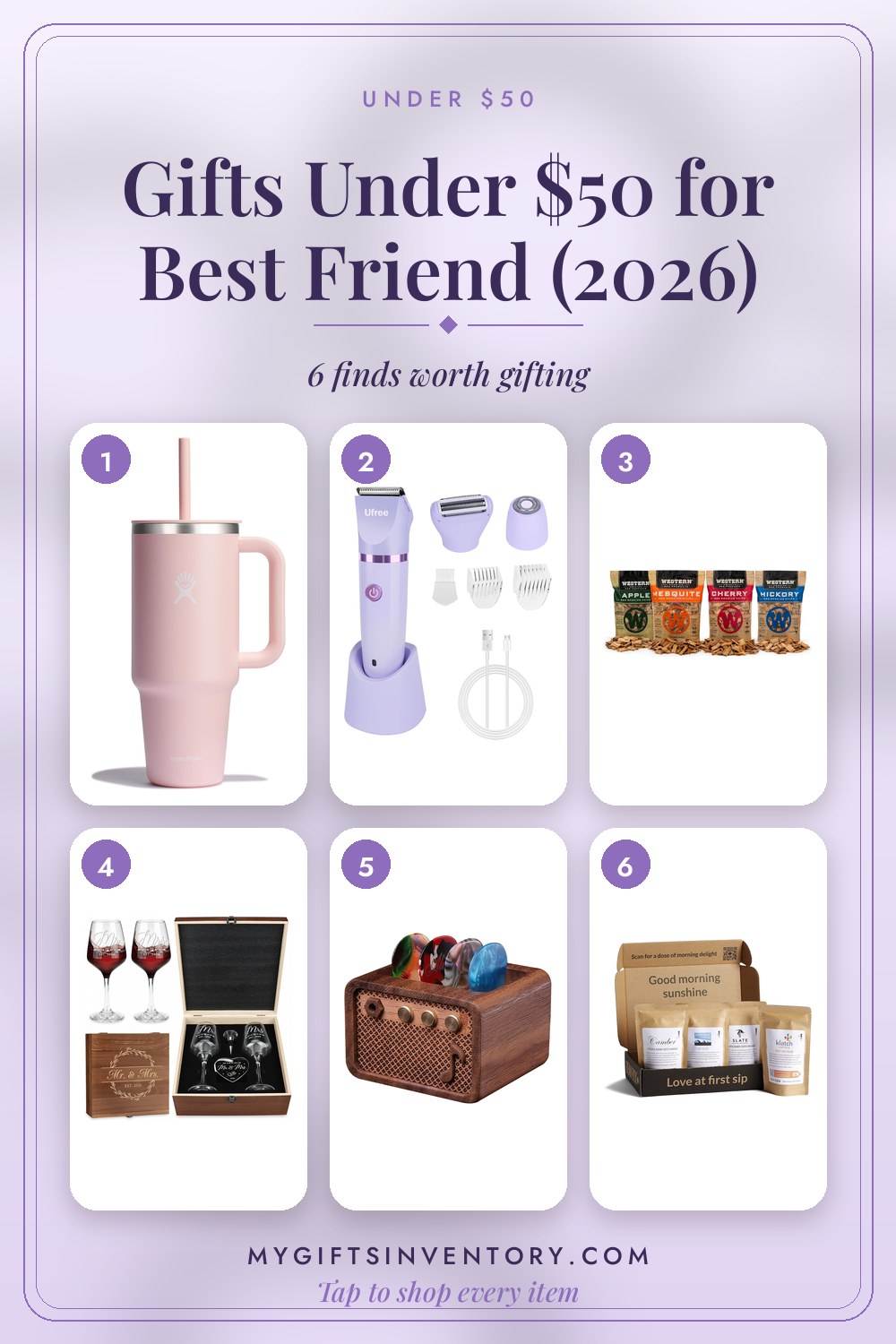
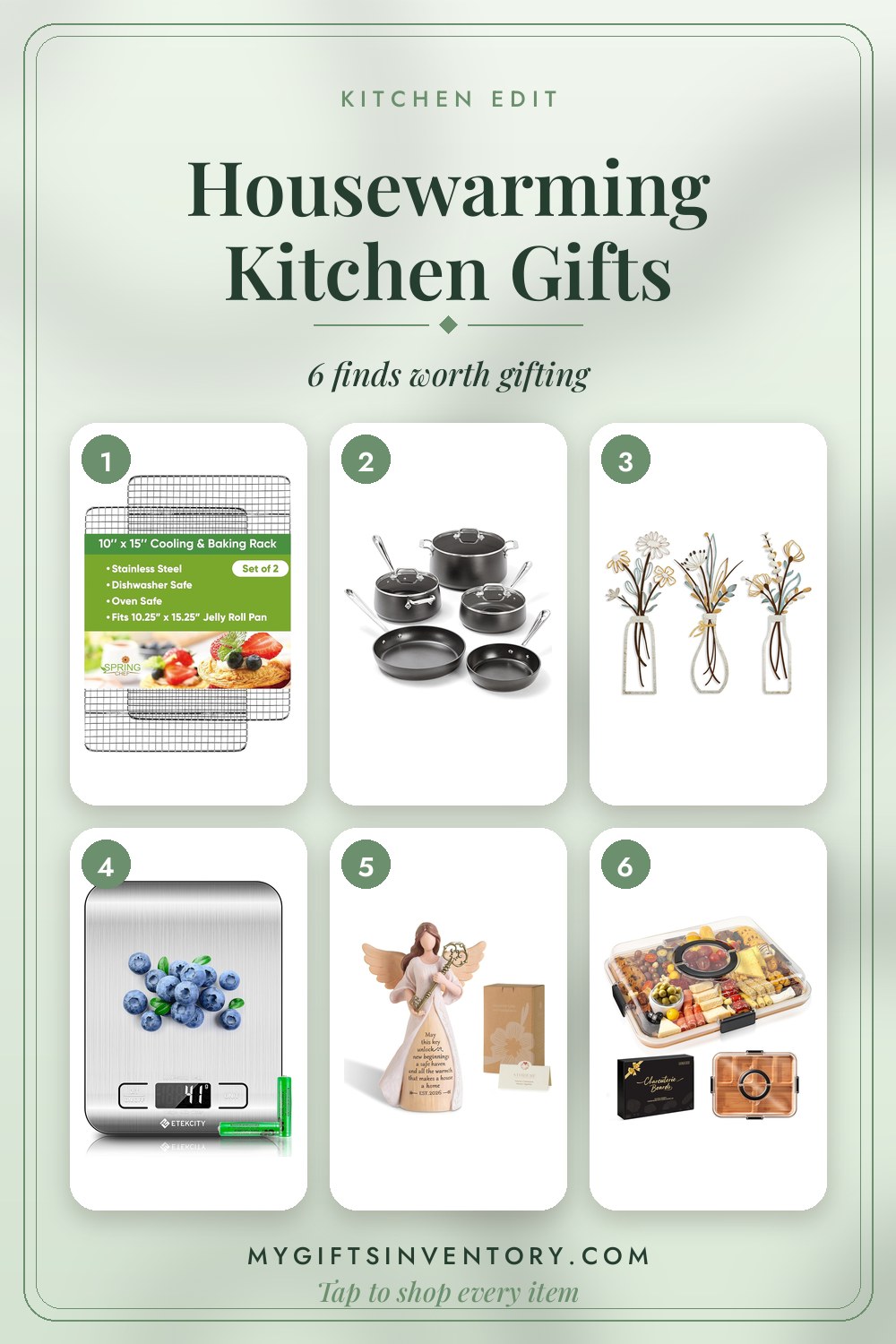

More Gift Card Balance Checks