EB Games Gift Card Balance: How to Check It
Here's how to check the balance on your EB Games gift card online, by phone, or in store, plus where the card is sold and whether it's available on Amazon.

Three Ways to Check Your EB Games Balance
- Online — visit the official balance checker. You'll typically need the card number and the CVV/security code from the back of the card.
- Phone — call 1-877-442-6303 and follow the automated prompts. Have your card number ready.
- In-store — Bring your card to any EB Games store and ask a cashier to check the balance for you at the register. They can scan the card or key in the number and PIN directly, and this works whether the card is a physical gift card or an Edge account card. If the card has no PIN on the back, staff can still look up the balance in the system as long as the card number is readable.
Where to Buy EB Games Gift Cards
EB Games gift cards are sold directly through EB Games stores in Canada and on ebgames.ca, where you can pick fixed denominations or a custom amount up to $500.
In Australia and New Zealand, EB Games sells its own eGift cards and physical cards through ebgames.com.au and in-store, alongside digital gaming credit like PlayStation, Xbox, and Nintendo eShop codes.
Since EB Games is part of the GameStop family in Canada, the card also works at any GameStop store and on GameStop.ca.
Some third-party gift card resellers list EB Games cards online, though buying directly from EB Games or GameStop is the safest way to avoid card fraud.
As of now the card is not reliably stocked on Amazon.com in the US, so shoppers there are better off buying straight from the official site.
Terms & Expiration Notes
EB Games gift cards purchased in Canada can only be redeemed at Canadian EB Games or GameStop stores or on GameStop.ca, not internationally. Cards need a four-digit PIN on the back to be used online; without a PIN, a card can only be redeemed in store. Gift cards and online gift certificates cannot currently be used toward digitally distributed games, and discounts or coupons don't apply to gift card purchases.
Balance Showing $0 or the Check Failed?
A few common reasons: the card hasn't been activated yet, the funds have already been spent, the card was reported lost or deactivated, or — less commonly — the card was compromised before you got to use it. If something looks wrong, contact EB Games directly using the phone number above. We can't look up or adjust balances ourselves — only point you to the official source.
FAQ
Do I need to create an account to check my balance?
No — most balance checks, online or by phone, just need the card number and security code/PIN, not an account.
Can I check my balance on my phone?
Yes, the online balance checker above works on mobile, and the phone number can be dialed directly from this page.
Is it safe to enter my card number online?
Only enter it on the official site linked above. Scam sites impersonating gift card balance checkers exist — double-check the URL before entering any card details anywhere.
Is EB Games gift card available on Amazon?
No, EB Games gift cards aren't currently sold on Amazon — buy directly from the official retailer using the link above.
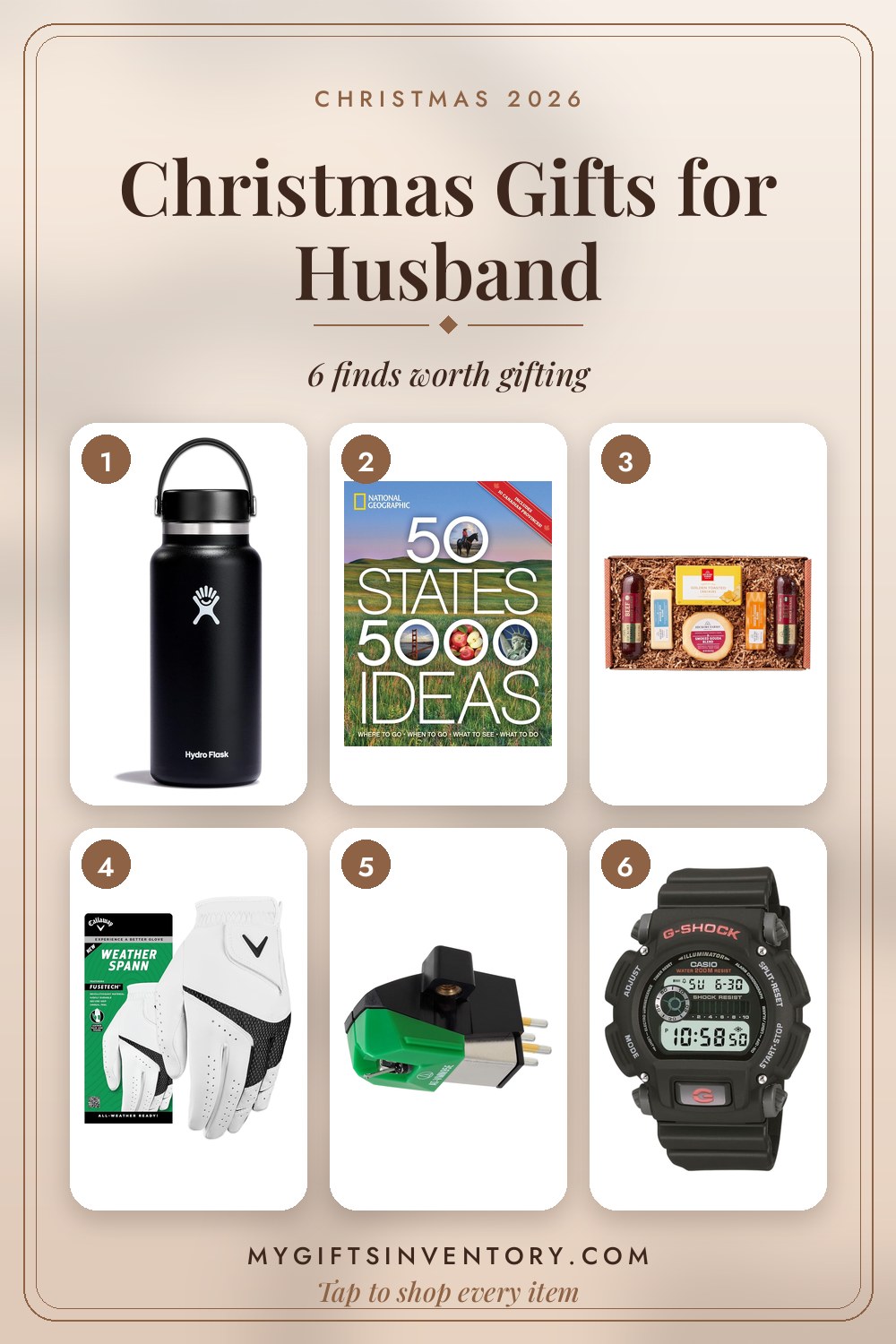
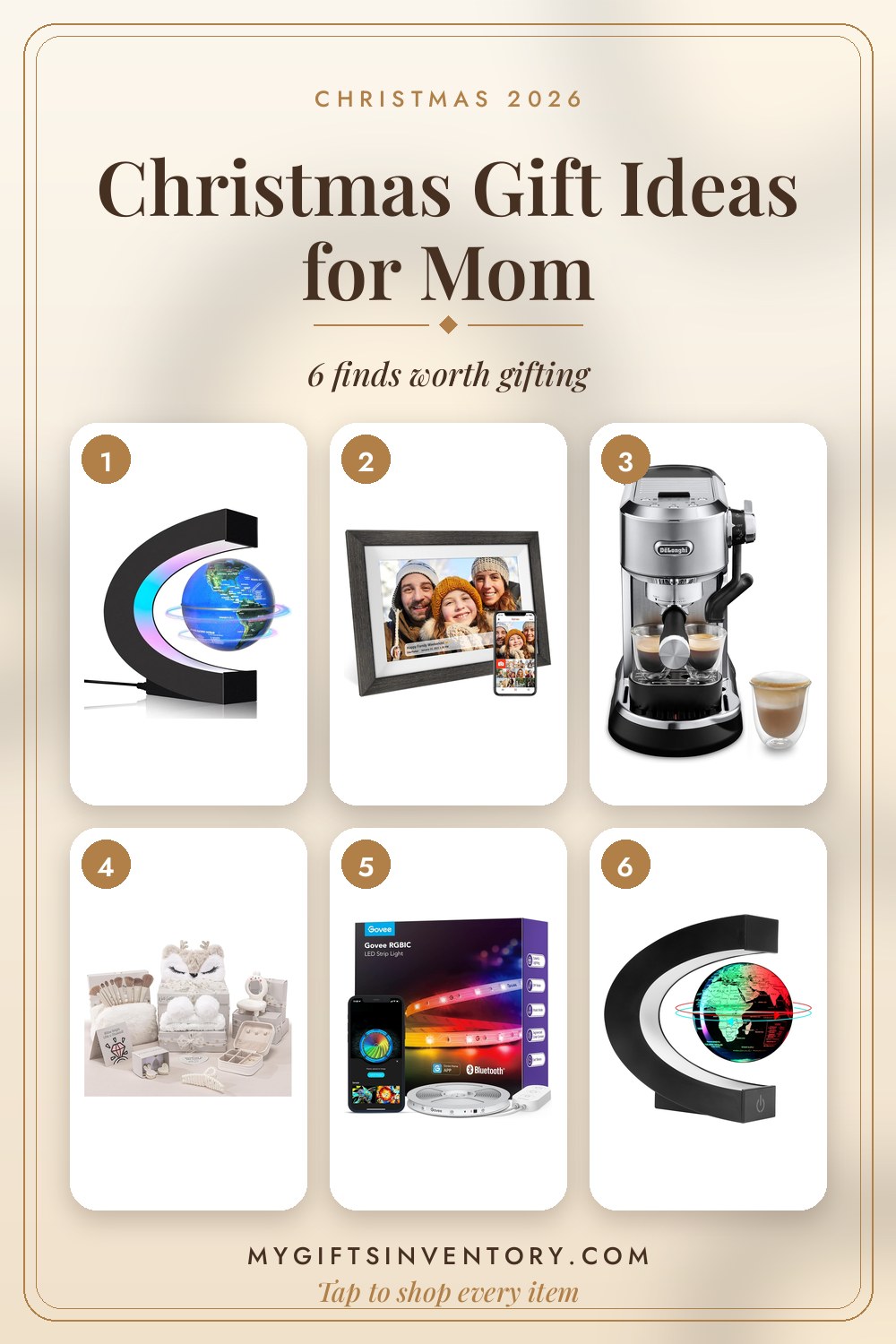
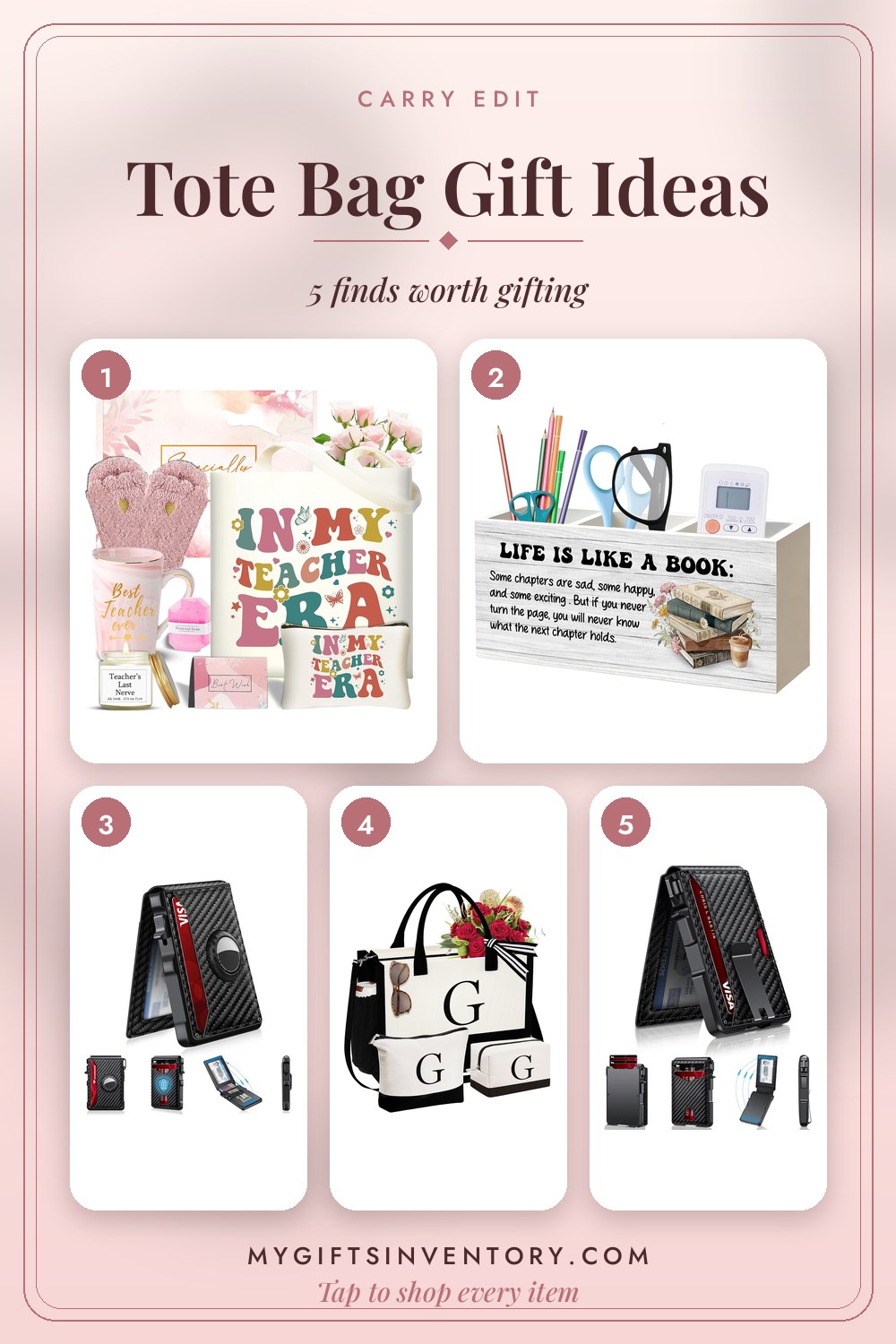
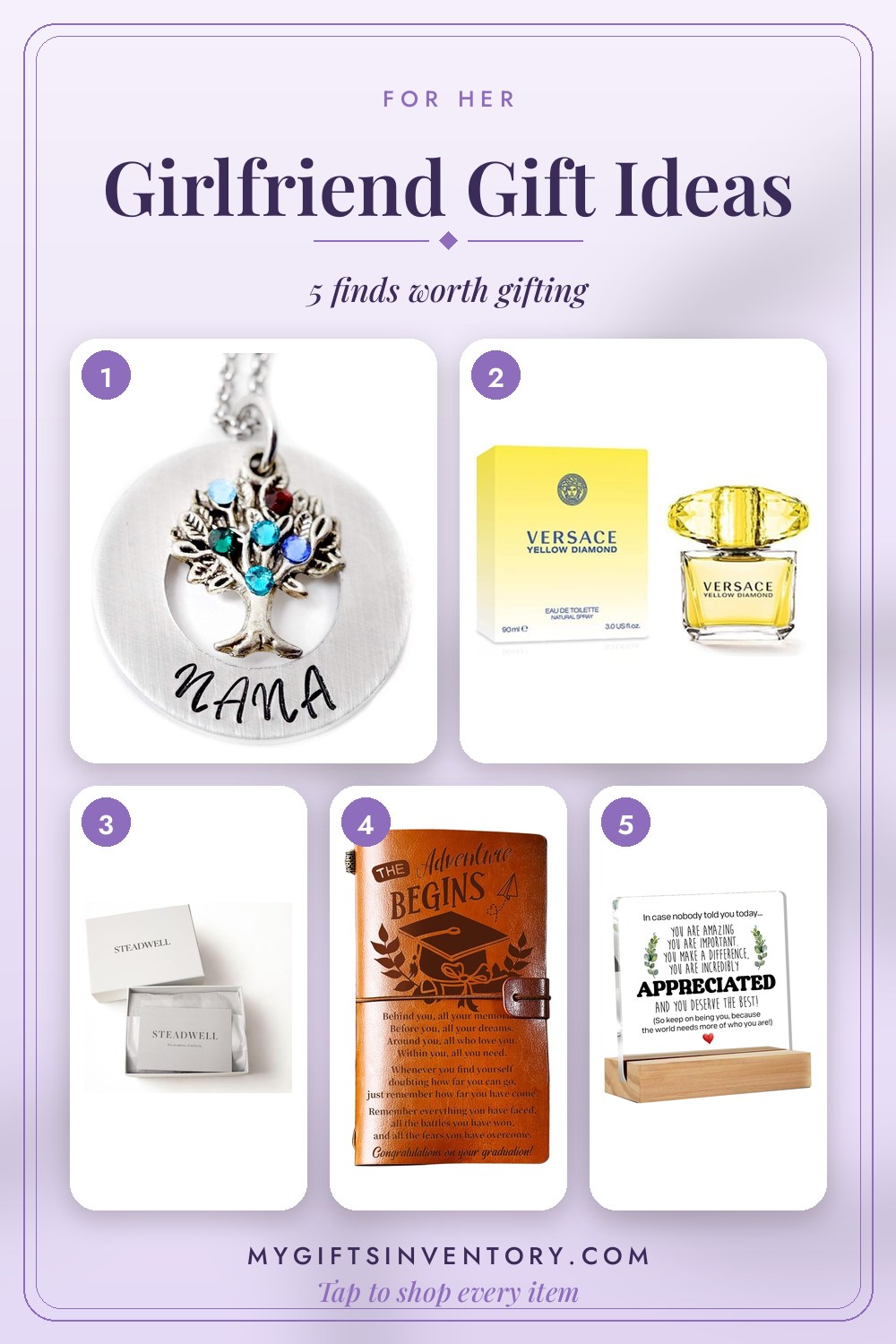
Looking for an Actual Gift Instead?
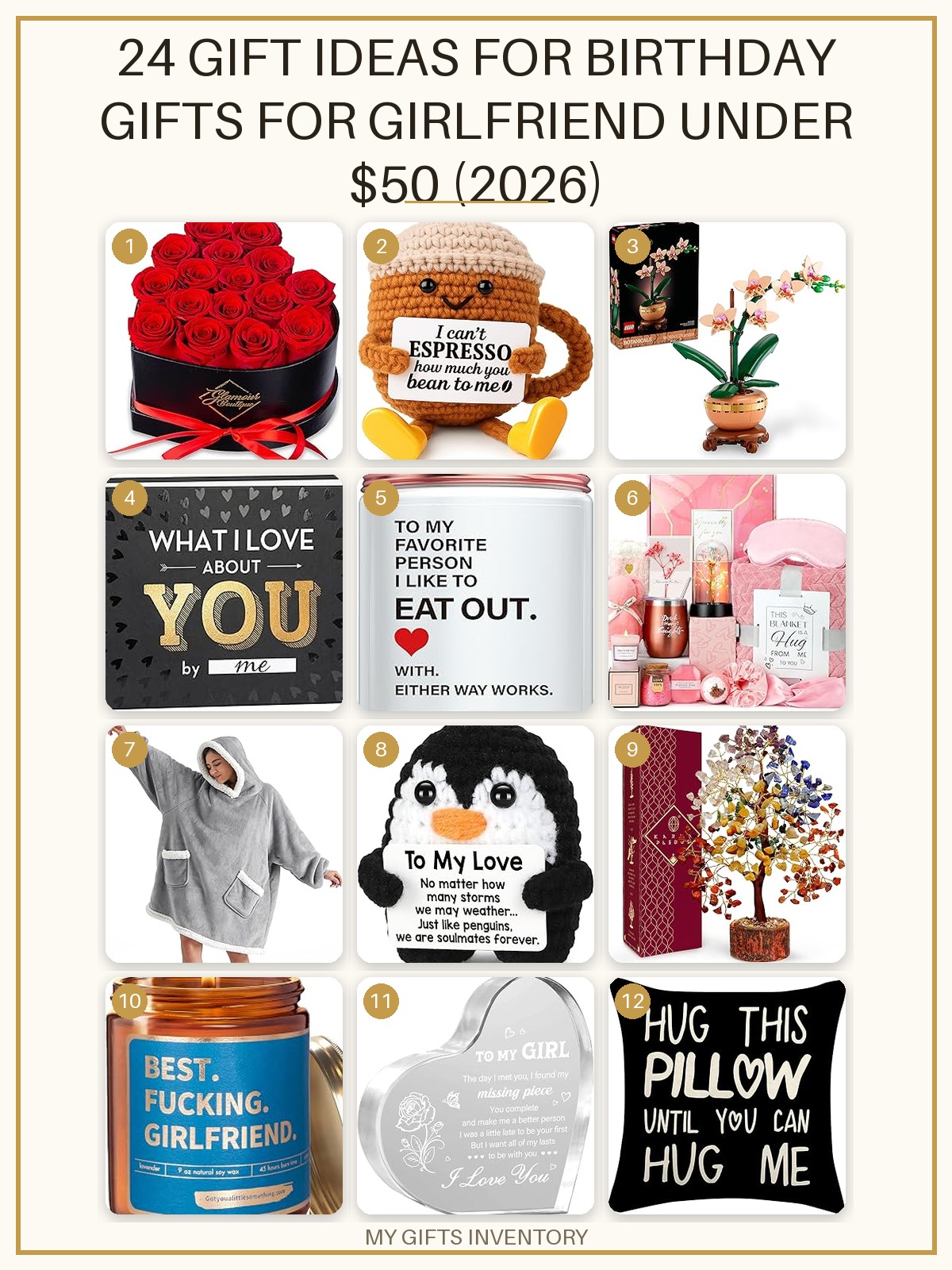


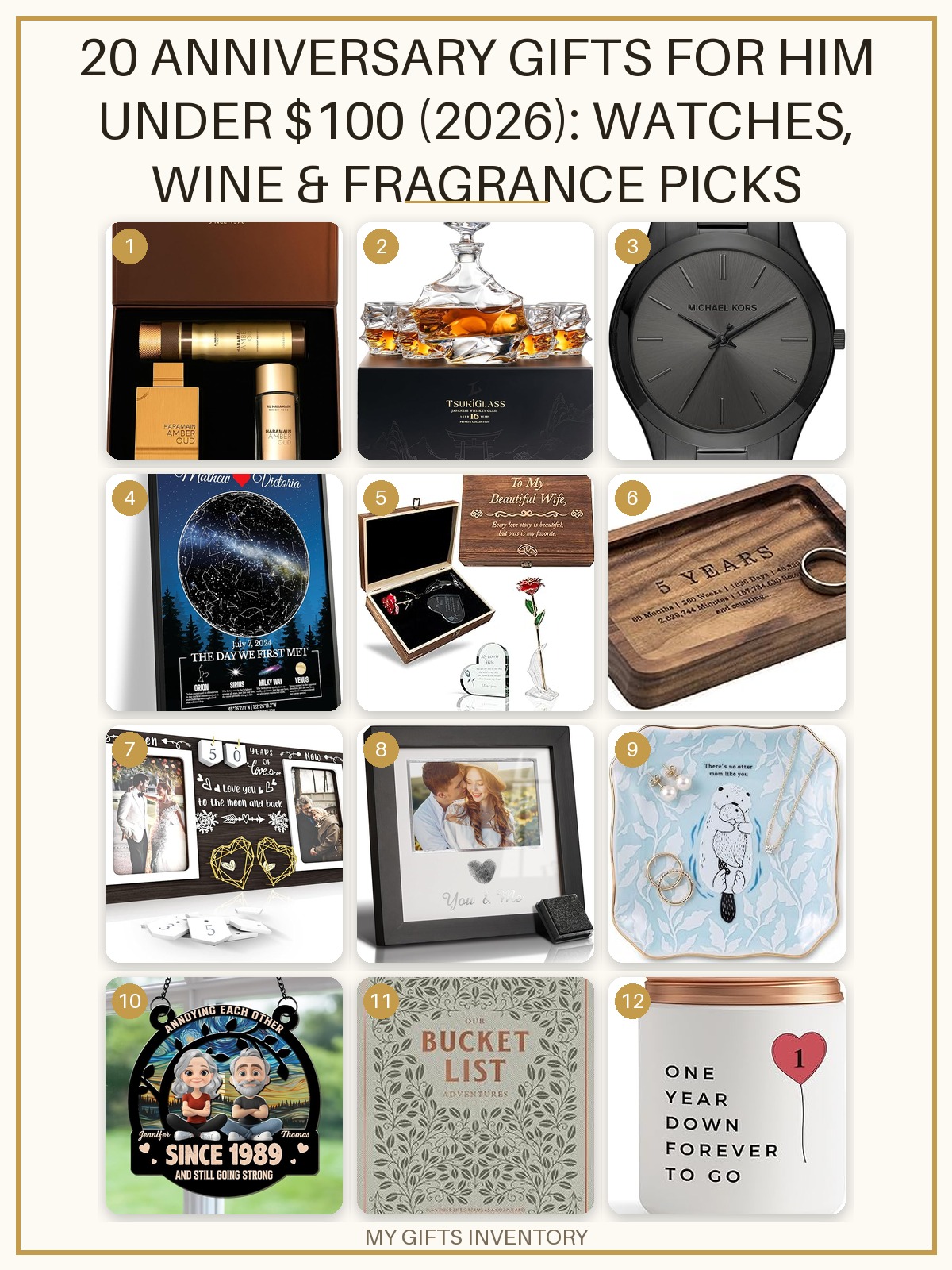
Gift Sets We Love Right Now
Every item picked, priced and linked, ready to buy.
More Gift Card Balance Checks