M&S Gift Card Balance: How to Check It
How to check the balance on a Marks & Spencer gift card online or in an M&S store in the UK.

Three Ways to Check Your Marks & Spencer (M&S) Balance
- Online — visit the official balance checker. You'll typically need the card number and the CVV/security code from the back of the card.
- In-store — Take the card into any M&S store in the UK and ask a colleague to scan it at the till.
Where to Buy Marks & Spencer (M&S) Gift Cards
M&S gift cards are best purchased directly through the official Marks & Spencer website, where shoppers can choose physical or e-gift card options in a range of designs and denominations.
In person, M&S sells its own gift cards in its stores nationwide, including outlet, railway, motorway, and airport locations, making a visit to any M&S shop an easy option.
Since M&S is a UK-based department store rather than a typical grocery or drugstore brand, its cards are not commonly stocked at third-party big-box retailers or pharmacies the way some other gift cards are.
M&S gift cards are also available through Amazon, both as e-gift cards and physical cards sent by post, for shoppers who prefer that route.
For the safest purchase, stick to the official M&S site or in-store racks to avoid any secondhand or resale risks.
Terms & Expiration Notes
Phone number intentionally left blank, two conflicting numbers found online, neither confirmed on marksandspencer.com directly.
Balance Showing $0 or the Check Failed?
A few common reasons: the card hasn't been activated yet, the funds have already been spent, the card was reported lost or deactivated, or — less commonly — the card was compromised before you got to use it. If something looks wrong, contact Marks & Spencer (M&S) directly through their official site or customer support. We can't look up or adjust balances ourselves — only point you to the official source.
FAQ
Do I need to create an account to check my balance?
No — most balance checks, online or by phone, just need the card number and security code/PIN, not an account.
Can I check my balance on my phone?
Yes, the online balance checker above works on mobile.
Is it safe to enter my card number online?
Only enter it on the official site linked above. Scam sites impersonating gift card balance checkers exist — double-check the URL before entering any card details anywhere.
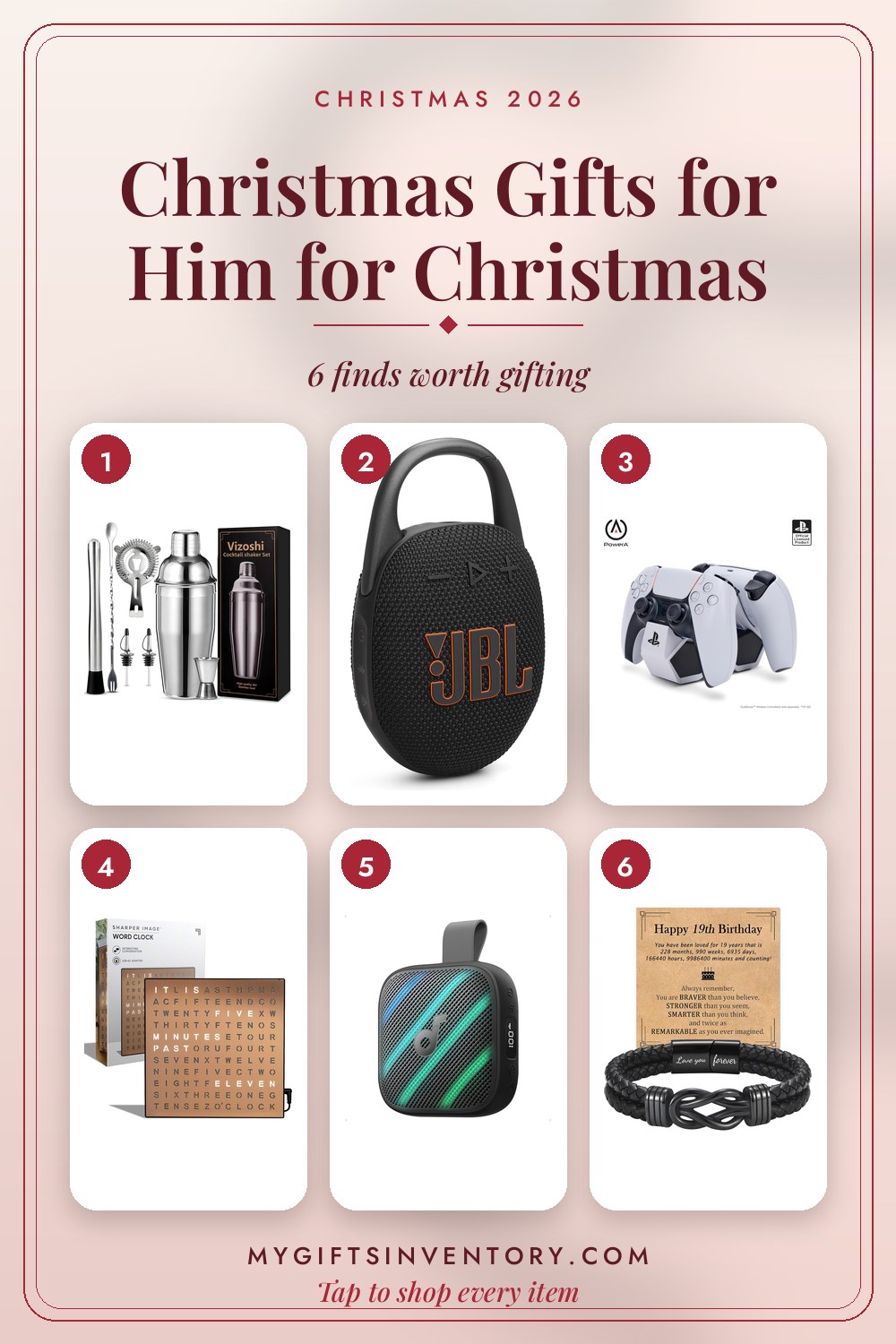
Looking for an Actual Gift Instead?

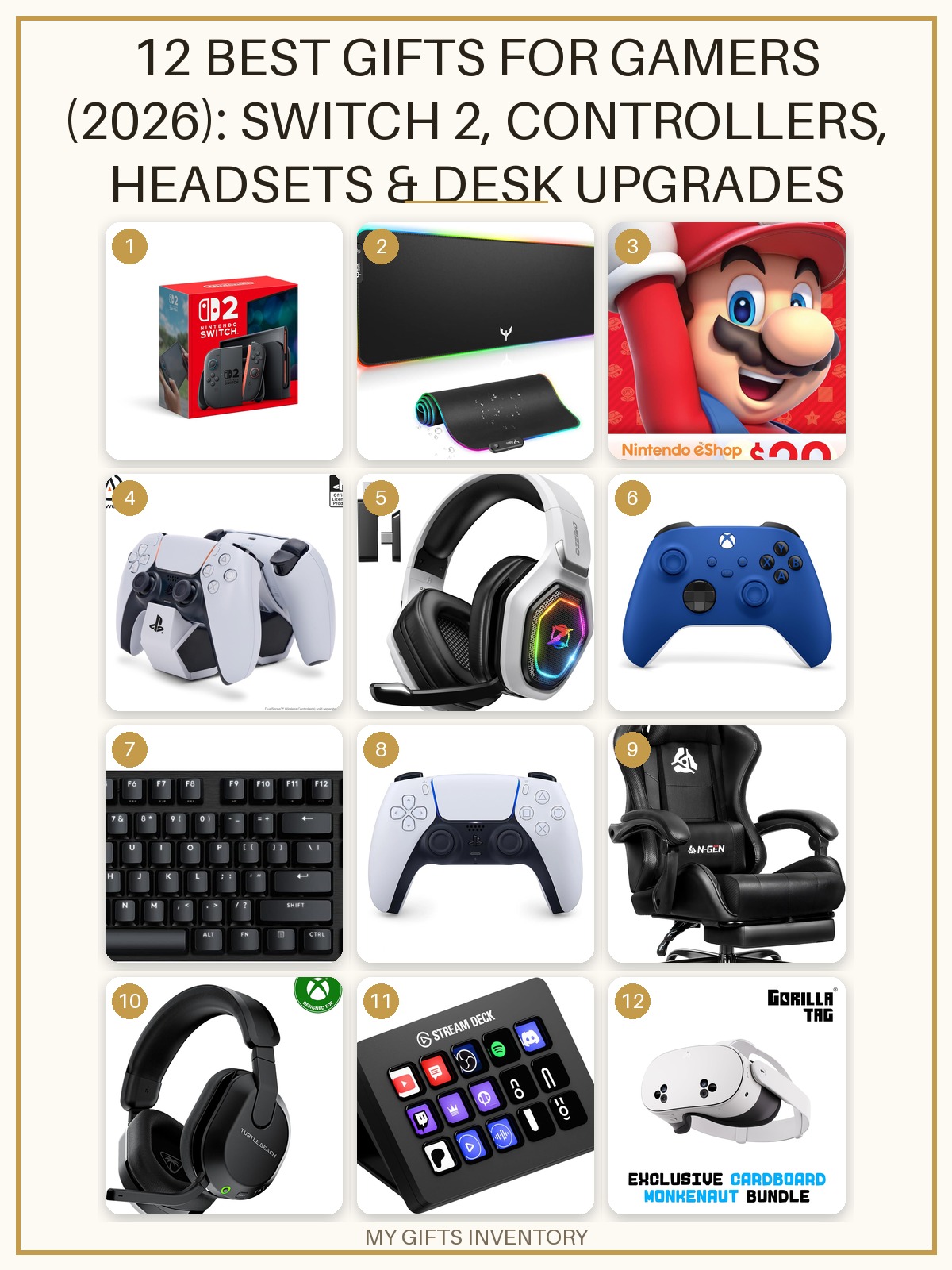


Gift Sets We Love Right Now
Every item picked, priced and linked, ready to buy.



More Gift Card Balance Checks