Gift tracking spreadsheet: How to plan, budget, and keep up with every present
We help you build a gift tracking spreadsheet that prevents duplicates, keeps spending on track, and makes wrapping and shipping feel calm. Includes card wording ideas, registry checks, and return reminders.

As an Amazon Associate, My Gifts Inventory earns from qualifying purchases. We only recommend products we'd genuinely consider buying ourselves.
We search “gift tracking spreadsheet” when we are already in that slightly panicked stretch where life is busy, deadlines are real, and someone is going to be forgotten if we do not get organized. The problem is not the shopping, it is the keeping track: who you bought for, what you bought, where the receipt is, whether the card is done, and when the gift actually needs to be wrapped and delivered.
If that sounds familiar, we built the spreadsheet approach we wish we had every season. It works for holidays, birthdays, weddings, baby showers, and even “because we can” gifting. You do not need to be spreadsheet person to use it. You just need a place to put every detail so your brain can stop holding it all.
What a gift tracking spreadsheet should do (beyond “who gets what”)
A good gift tracking spreadsheet is a small gift-planning command center. It should answer questions you will otherwise ask yourself at the worst time, like 8:47 p.m. on wrapping night.
1) Duplicate prevention
We want the spreadsheet to act like a lock on your memory. If you can search by recipient and see “gift purchased” and “gift type,” you are far less likely to accidentally buy the same category again.
Practical example: If you are shopping for a coworker and decide to do “a book” plus “a small treat,” the spreadsheet should reflect that as two gifts or one combined plan. Either way, it keeps you consistent.
2) Budget control without shame
Most people do not overspend because they are careless. They overspend because they are surprised later. With a spreadsheet, you see totals as you go.
Our rule: include a per-person budget and a running “spent so far” amount. If you are over by $15 for one person, you can swap in a less expensive version or adjust for someone else before you hit the deadline.
3) Logistics tracking (cards, wrapping, delivery, and returns)
Shopping is only half the job. The rest is timing, paperwork, and execution. Add columns for card status, wrapping readiness, delivery method, and return deadlines.
That way, you stop treating returns like an afterthought and you stop discovering missing receipts when you are already annoyed.
Spreadsheet layout we recommend (copy the structure)
You can build this in Google Sheets or Excel. Use rows for gifts and columns for details. We like one row per recipient per gift, but if you prefer one row per recipient, that is fine too. The key is that your columns answer the same questions every time.
Core columns (the ones we use every single year)
- Recipient (full name or nickname that you actually recognize)
- Relationship (sister, coworker, neighbor, etc.)
- Occasion (holiday, birthday, anniversary, wedding, etc.)
- Gift item / idea (short but specific)
- Gift type (experience, home, self-care, consumable, gift card, etc.)
- Estimated cost
- Amount paid (update when you buy)
- Budget for this person
- Status (planned, purchased, received, wrapped, delivered)
- Order date
- Delivery / pickup date
- Ready to wrap date
- Card needed (yes/no)
- Card written (yes/no)
- Card signed (date)
- Wrapping (not started, in progress, wrapped)
- Gift tag written (yes/no)
- Store / receipt location (for returns)
- Return deadline
- Notes (sizes, preferences, substitutions, who suggested it)
Optional columns that save real time
- Backup plan (what you will do if delivery is late)
- Delivery method (shipping, hand-deliver, pickup)
- Tracking number (if you track shipments)
- Who buys? (if you split with a partner or family)
- Shared budget? (checkbox)
- “Don’t buy” note (used when someone already has an item you almost repeated)
Set budgets that you can actually follow
Budgets fail when they are too vague. A spreadsheet helps because it turns budgeting into a decision process, not a feeling.
A simple budgeting method that works
For each recipient, write down one number: your budget. Then, as you buy, update “amount paid.” Finally, compute “remaining budget” by subtracting amount paid from budget.
If you want to stay extra practical, add one extra column: “perceived value.” For us, it is a way of asking, “Is this gift thoughtful or just expensive?” Not to judge, but to steer future purchases.
Where to land on price tiers (without overthinking)
We usually choose a price tier first, then pick a gift idea that fits it. For example, if you have a lot of people on your list, you might use the “under $50” range for everyday occasions and reserve “$50 to $150” for people you see regularly or for milestones. If you want inspiration that aligns with these tiers, our gift guides can help you pick an approach, not just a random item. For instance, you can browse our gift ideas between $50 and $150 when you want something special but still controlled.
Card planning: what to write and how to track it
Cards are where we see gift effort either shine or fall flat. A spreadsheet can help because it reminds you to write the message at the right time, not after you are already tired.
Card etiquette basics we stick to
- Match the formality to the relationship. A coworker gets warmer than a stranger but usually less personal than a sibling.
- Say what the occasion is. It sounds simple, but it prevents “generic card syndrome.”
- Include one specific detail. It can be small: “I loved what you said about your new project.”
Message templates you can paste into your Notes column
We like having short templates ready so we are not rewriting from scratch every year. Here are some you can copy into the spreadsheet “Notes” field until you buy the card or card stock.
- Birthday (close friend): “Happy birthday, [Name]. I hope this year brings you more of what makes you happy. So grateful for you.”
- Holiday (family): “Merry everything, [Name]. Thank you for always being part of our traditions. Can’t wait to celebrate together soon.”
- Coworker or neighbor (warm but not too personal): “Wishing you a wonderful [occasion]. It’s been a pleasure sharing the neighborhood and the year with you.”
- Anniversary (partner): “Happy anniversary, [Name]. I love building life with you. Thank you for being our best team.”
- “Because we thought of you”: “Just a little something because you came to mind. Hope it makes your day easier and brighter.”
Track card work like a task
In your spreadsheet, set “card written” and “card signed” as separate steps. We do this because the message is only half the job. If “signed” is a separate status, you do not forget the signature when you are packing gifts.
Wrapping, labeling, and delivery timelines that keep you calm
Most people do wrapping at the last possible moment, which turns it into a stressful production line. Your spreadsheet should schedule wrapping readiness earlier than you think you need.
A realistic timeline we use
Here is a planning cadence that works for most seasons, assuming normal shipping. Adjust based on your weather and your own pace.
- 2 to 4 weeks before delivery day: confirm purchase list, update statuses to “purchased” once you buy, and record return deadlines.
- 1 to 2 weeks before delivery day: mark “ready to wrap date” and start wrapping batches for gifts that are already in hand.
- 3 to 5 days before the key date: finalize cards, write messages, and tag gifts.
- 1 to 2 days before: only do the final wrapping and packing steps. No searching receipts then.
Labeling systems that prevent chaos
We recommend a simple labeling rule: the gift tag should say at least the recipient name and a short hint if needed, like “Moms” or “Dad” or “Team.” If you do family gifts, we also like grouping by household in the wrapping space.
Tracking column idea: “Gift tag written” set to yes before wrapping is marked as complete. If it is not tagged, it is not done.
Registry checks and substitutions without awkward surprises
If you are dealing with a registry, your spreadsheet should treat it like a decision tree, not a background detail.
Use two rows when you need options
If you have a “high likelihood” item and a “backup” item, you can either:
- Use a single row and add “backup plan” in Notes, or
- Use two rows, one marked “backup,” so your totals stay accurate.
Timing matters more than you think
We do not wait until the last week to check registry availability. In your spreadsheet, add a “registry check date” in Notes and set a reminder to review at least once after you purchase and again before the delivery window.
If you are shopping in the “gift ideas by occasion and person” mindset, our guide on choosing the perfect gift is useful for shaping that registry-plus-supplement approach. It helps you decide what counts as the “main gift” versus a small extra so you do not end up overbuying when the registry gift already covers most of what the person wants.
Gift cards in your spreadsheet: tracking values and avoiding balance surprises
Sometimes the best etiquette move is getting the right store credit, especially when you know someone’s tastes but not the exact item. If you are considering gift cards, your spreadsheet should treat them like gifts, not placeholders.
How to log gift cards correctly
- Record the brand/store in “store / receipt location.”
- Record the amount you loaded.
- Set a delivery or pickup date like any other gift.
- Note the email or code location if it was purchased digitally.
If you are choosing stores, map them to your recipients
We like matching gift cards to where people already shop. For example, if someone’s household runs on weekly grocery trips, you might consider where they already do the bulk of their shopping. If you want store-specific context on gift cards, we have pages that cover brands and details, like gift cards at Kroger and gift cards at Walmart.
And when you need to check a balance later, keeping the “balance check” step in your spreadsheet notes is a quiet lifesaver. Even if you do not need it immediately, you will be glad you logged the store and the gift card type when you go to use it.
Returns, exchanges, and receipts: build the paper trail into the plan
Returns are not fun, but they do not have to be chaotic. Your spreadsheet can make returns feel like a routine, not a hunt.
What to record for each gift
- Store name
- Order confirmation or receipt location (a folder name works)
- Return deadline (write it as a date)
- Return method (in-store, mail, exchange)
- Item condition notes (kept packaging yes/no)
Why you should update return deadlines right after purchase
Return windows are easy to forget because the purchase feels complete. But deadlines can depend on how you paid and when it was delivered. If you record the deadline and receipt location at purchase time, you remove the hardest part later: remembering what you bought and where it’s documented.
Making it feel easy: how to use your spreadsheet day-to-day
We do not recommend building a spreadsheet and then ignoring it. Instead, we use a simple habit: update it as soon as you buy or as soon as you decide.
Two update sessions that keep everything current
- Shopping update: when you purchase, immediately fill in status, amount paid, order date, delivery date, and receipt location.
- Wrapping update: when you wrap, update wrapping status and tag written, and confirm the card status.
Batch decisions to reduce overwhelm
If you are overwhelmed, decide in batches rather than all at once. For example, pick all gifts under $50 first, then gifts $50 to $150, then any “splurge” or experience items. If you want a structure for finding ideas that fit those tiers, the guide 20 kitchen gadgets gift ideas under $50 is one example of a smaller, defined range that can make decisions quicker.
Last-minute gift tracking when time is tight
If you are already late, your spreadsheet becomes even more important. But the goal shifts from “perfect plan” to “fast, not messy.”
Switch to a “must not forget” checklist
- Filter your spreadsheet to show only recipients with status “not purchased.”
- For each, write a realistic delivery plan: shipping, pickup, or gift card.
- Keep card notes short so you can write quickly.
Use a substitution rule
When you cannot find the original item, do not spiral. Pick a substitution category: “consumable,” “self-care,” “small home,” or “gift card.” Your spreadsheet should reflect the substitution immediately so you do not keep hunting the first idea in circles.
If you want inspiration for substitution categories, we have topic guides that can help you keep the replacement still thoughtful, like self-care and spa gift sets under $50 and gourmet treats, wine, and coffee ideas under $50.

Frequently Asked Questions
How do we structure a gift tracking spreadsheet if we have a lot of people?
We recommend one row per recipient per gift, then we add a “Status” column and a filterable “Occasion” column. That way, we can quickly view only birthdays or only unpurchased gifts without scrolling.
What columns should we never skip?
We would not skip Recipient, Gift idea, Amount paid, Budget, Status, Card written, and Return deadline. Those columns cover the biggest failure points: duplicate buys, overspending, forgotten cards, and stressful returns.
How do we track gift card amounts and avoid missing details?
We log the store name, the exact amount loaded, and where the receipt or confirmation lives in the same row as the recipient. That makes it easy to check balance later if needed and keeps you from digging for email confirmations.
What should we write in a card if we are short on time?
We keep it simple: mention the occasion, include one specific kind detail, and end with a warm line. For example, “Happy birthday, [Name]. I hope this year brings you more of what makes you happy. Grateful for you.”
How far in advance should we start updating return and delivery dates?
We update delivery and return information right after purchase, not after the gift is delivered. That way, we capture deadlines while they are still easy to find and we can plan backups if shipping slips.
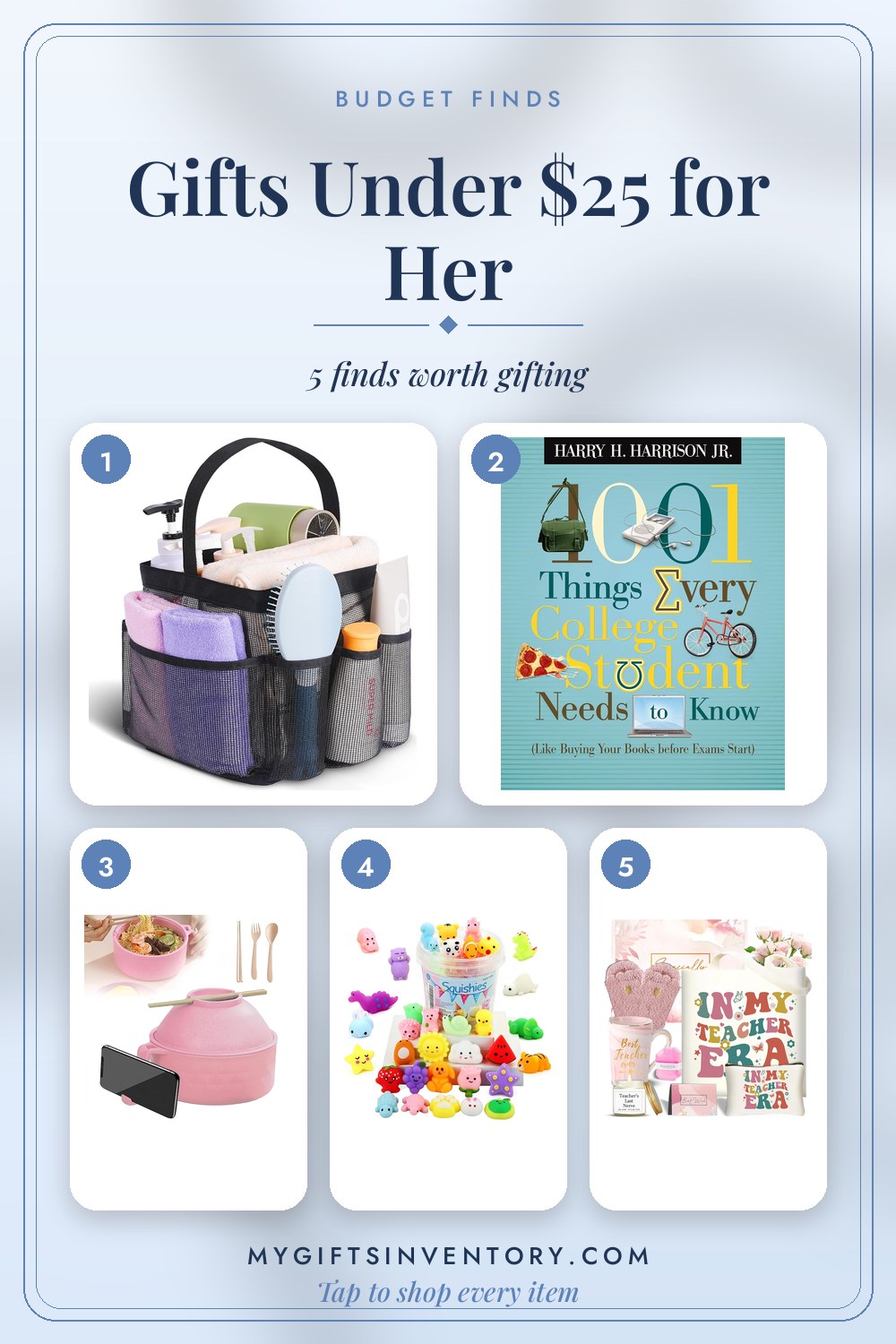
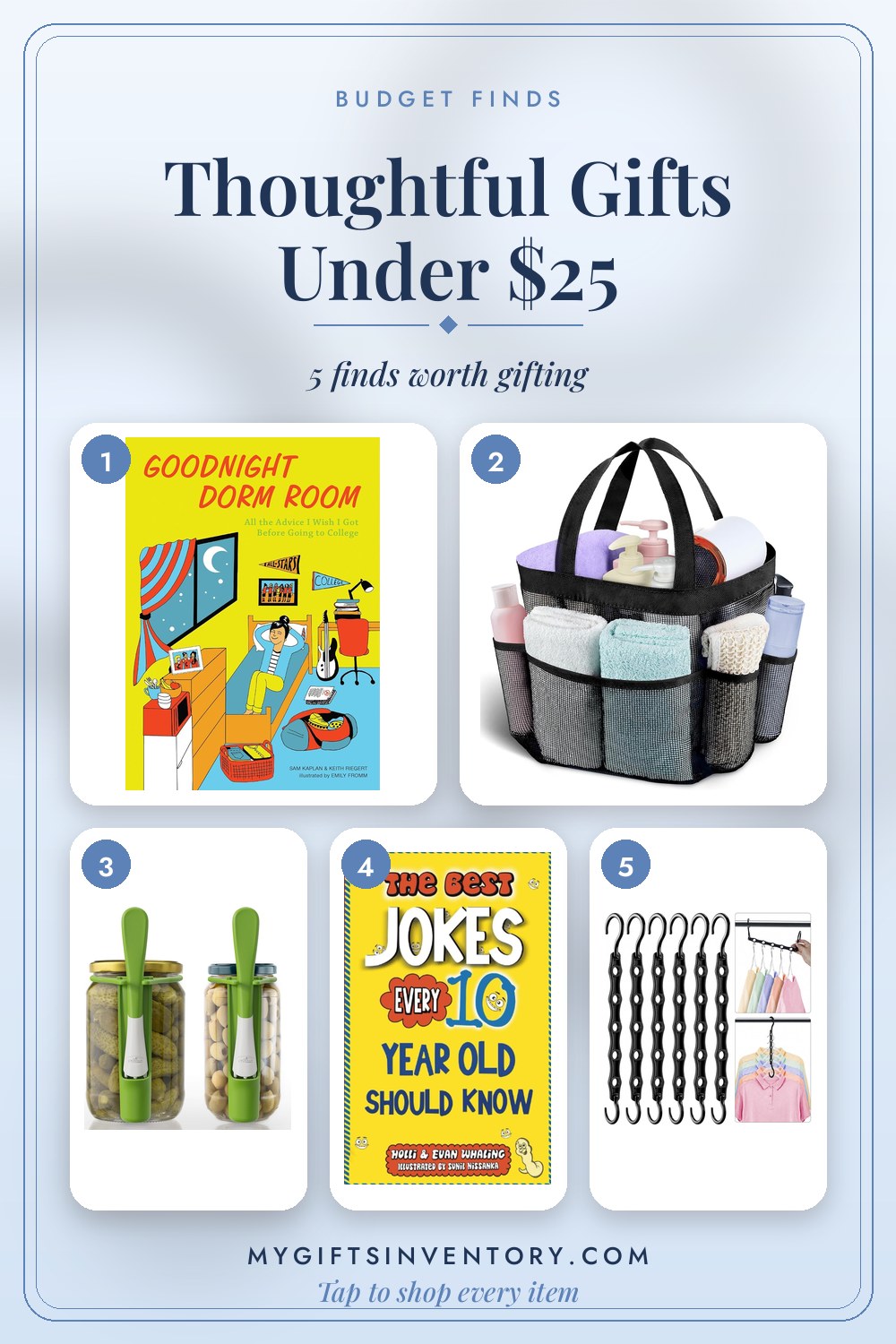
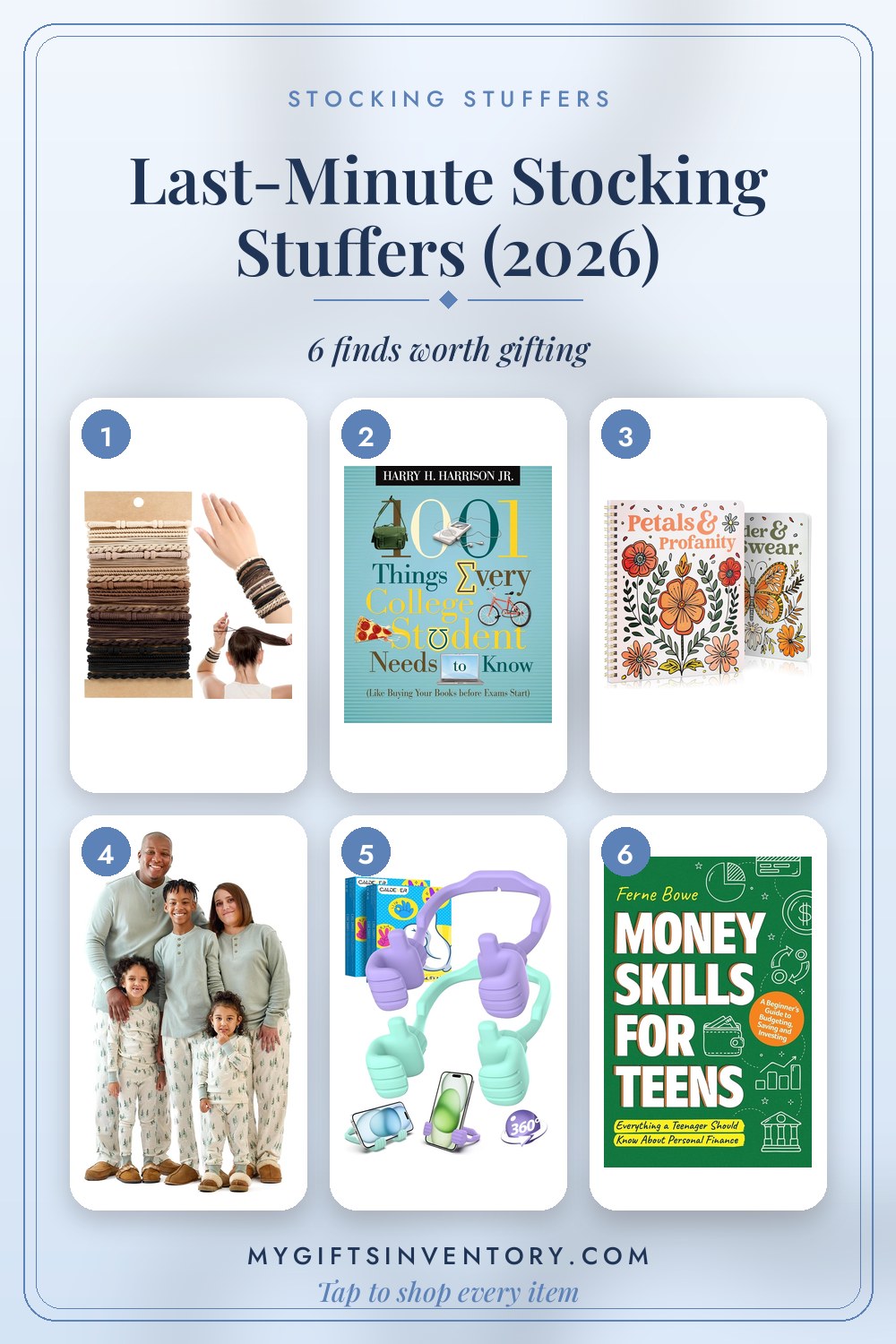
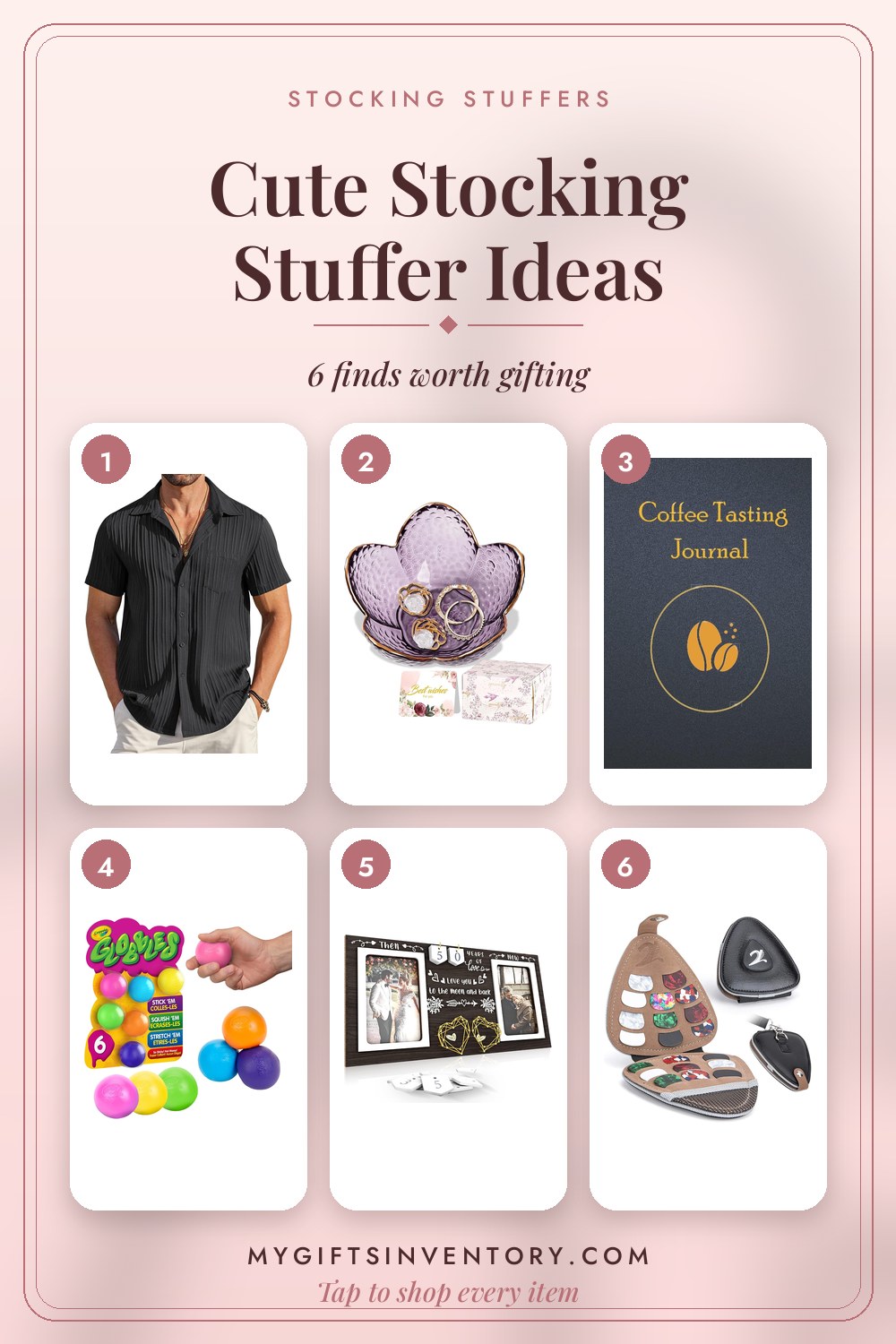
Looking for an Actual Gift Instead?

Shop Hand-Picked Gift Sets
Every item picked, priced and linked, ready to buy.
More Gift Advice