How to Check Your Woolworths Gift Card Balance Without the Card in Hand
Lost the card, left it at home, or bought it as a digital gift? Here's every real way to check a Woolworths gift card balance when the card itself isn't in front of you, plus what to do when you have no card number at all.
As an Amazon Associate, My Gifts Inventory earns from qualifying purchases. We only recommend products we'd genuinely consider buying ourselves.
You're standing in the checkout line, or sitting at your desk halfway through an online order, and the Woolworths gift card you meant to use is not in your hand. Maybe it's at home in a drawer, maybe it was a digital gift that arrived by email months ago, or maybe you genuinely can't find it and you're quietly panicking. The good news is that you usually don't need the plastic itself to check the balance. You need the card number, and there are several places that number lives besides the card.
Here is how to work through it, in the order we'd actually try things.
What you actually need before you start
A Woolworths gift card balance check runs on two pieces of information: the card number (usually 16 digits) and, for most cards, a PIN or access code printed under a scratch panel. That combination is what identifies the card in Woolworths' system. It is not tied to your name, your phone number, your Everyday Rewards account, or the email address you used to buy it. That last part is the frustrating bit, and it's worth saying plainly up front: if you have neither the card number nor the PIN, there is no lookup path. Woolworths staff can't search for a card by your name, and neither can the online balance tool. Everything below depends on recovering the number, not on recovering the card.
If you're holding the card, this is easy and you should head straight to our walkthrough on Woolworths Gift Card Balance: How to Check It, which covers the standard online and in-store methods in detail. The rest of this article is for the no-card scenario.
Where to find your card number when the card is missing
Check your email for the eGift confirmation
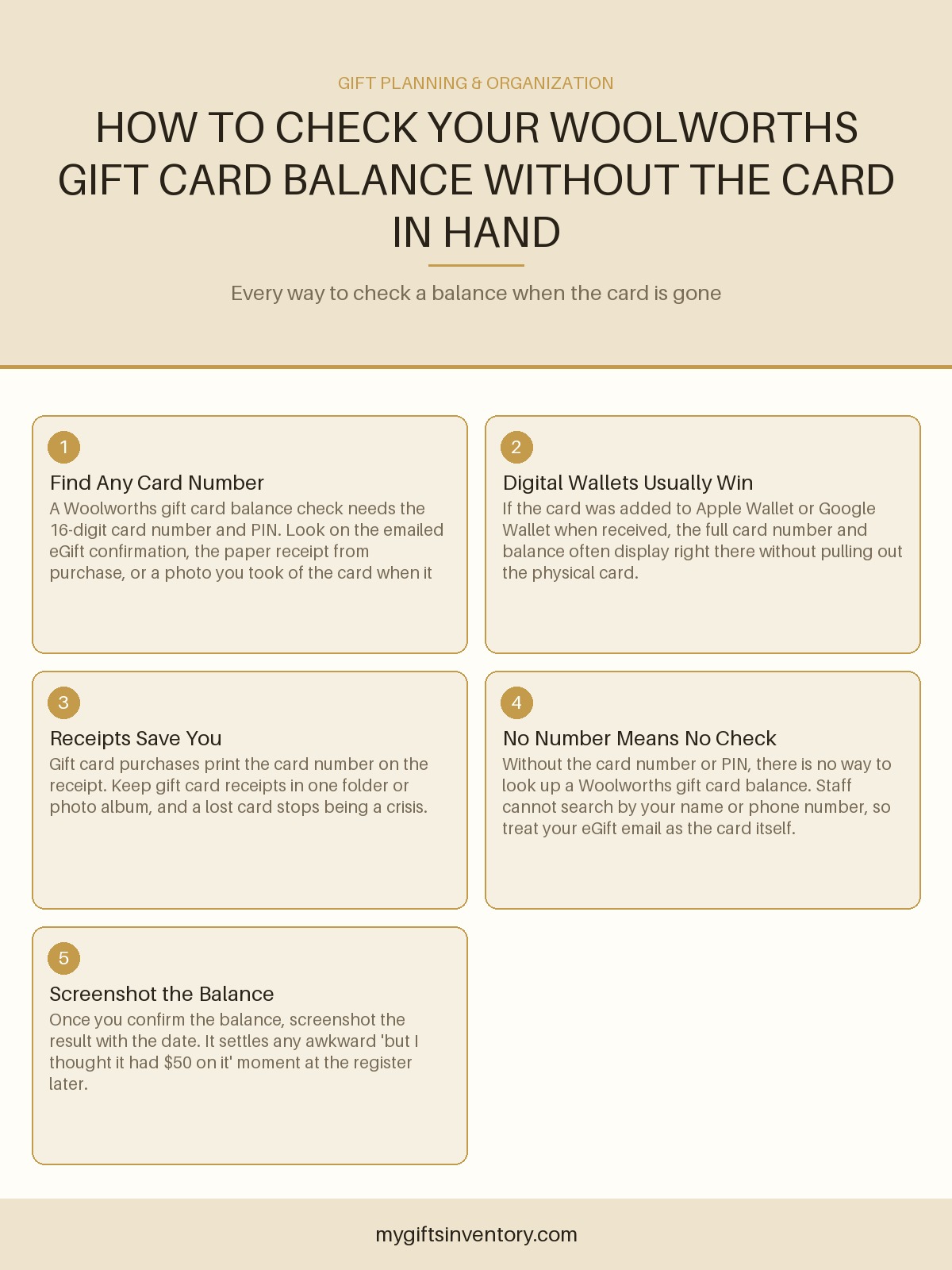
This is the single most common answer, and it applies to both eGift cards and physical cards ordered online. When a Woolworths gift card is purchased through the website, the confirmation email contains the card number and PIN in the body of the message or in an attached PDF. Search your inbox for "Woolworths gift card," the sender's name if you know it, or the word "eGift." If you're the recipient rather than the buyer, check the address the gift was sent to, and check spam and promotions folders, because gift card emails land there more often than anyone expects.
One caveat worth knowing: many eGift emails are designed so the card details only appear once, on first open, as an anti-fraud measure. If you opened it, saw the number, and closed it, the details may not reappear. In that case, whoever sent you the gift can often resend the original email from their order history.
Look at the purchase receipt
Gift cards bought in store print the full card number on the receipt, and often the last four digits alongside a reference. If you or the giver kept the receipt, you have what you need. This is also the reason we tell people to photograph gift card receipts and file them somewhere searchable rather than leaving them in a wallet that gets cleaned out twice a year.
Check Apple Wallet, Google Wallet, or your notes app
If the card was added to a digital wallet when it was received, the number and often a live balance display are available in the wallet app itself, no physical card required. Same story with the notes app if you're the type to jot things down. It's a small habit that pays off disproportionately when a card goes missing.
Ask the person who gave it to you
If a friend or family member bought the card, their order confirmation or purchase receipt has the number. This is usually the fastest fix in practice, and nobody minds. Framing helps: "I want to use the gift card you gave me and can't find the number, can you forward me the confirmation?" is a completely normal request.
How to run the check once you have the number
With the card number and PIN in hand, there are three routes, and none of them require the plastic:
- Online balance checker. The Woolworths gift card balance page takes the card number and PIN and returns the remaining value immediately. It works from any device and doesn't require a login.
- Phone. The number on the back of the card routes to an automated balance line. You'll enter the card number by keypad. Worth knowing before you call: you cannot read the card number off a card you don't have, so this only helps if you already recovered the digits.
- In store. Any Woolworths checkout can scan or key in the card number and tell you the balance. Bring the number on your phone and they can look it up for you. Cashiers can't look up a card by name, so don't expect them to find it without the number.
Whichever route you use, take a screenshot of the result with the date visible. Balances change as you spend, and if there's ever a dispute about how much was loaded or spent, that screenshot is a much better artifact than a memory.
If you have no card number at all
Then unfortunately there is no way to check the balance, and no way to use the card either. This isn't a loophole anyone at Woolworths can override, because the balance lookup is designed exactly to prevent someone from draining a card they found in a parking lot by guessing a name. Your realistic options in that situation:
- Retrace where the card was bought and ask the purchaser to resend the confirmation email or forward the receipt details.
- If you bought it yourself and paid by card, your bank statement will show the purchase amount and date, which sometimes helps the issuer or support team locate the transaction even if they can't pull up the card itself.
- If it's truly unrecoverable, treat it as a small loss and move on. Physical gift cards without a recorded number are functionally cash, and cash you can't find is gone.
One prevention note for next time: it takes about twenty seconds to photograph a new gift card and text it to yourself, and it makes this entire article unnecessary.
Checking balances on other gift cards while you're at it
Woolworths isn't the only card that ends up orphaned in a drawer. If you're doing a general sweep of your gift card stash before the holidays or before a big shop, the same recovery logic applies to most brands: find the number, use the brand's online tool, screenshot the result. We've got step-by-step walkthroughs for plenty of the common ones, including Trader Joe's and Walgreens, if you want the same process for the rest of the pile.
And if you're on the other side of this, buying gift cards rather than hunting for them, it's worth thinking about who actually wants one. A grocery card is a genuinely great gift for a student, a new parent, or a coworker you don't know well, but it's a weak choice for someone who'd rather have an actual thing to unwrap. For those people, our roundup of the best gifts under $100 has options that feel more considered than a card, and if you're shopping for an occasion where a card still makes sense, the holiday gifts for coworkers under $25 guide covers the small-office scenario where gift cards genuinely shine.
Quick reference: the recovery order we'd actually use
- Search email for the eGift confirmation (fastest, works most often).
- Check digital wallet apps if the card was ever added to one.
- Find the purchase receipt, yours or the giver's.
- Ask the giver to forward their confirmation.
- If none of those exist, accept that the balance can't be checked or spent.
Frequently Asked Questions
Can I check a Woolworths gift card balance without the card number?
No. The balance lookup requires the card number and PIN, and Woolworths cannot search by your name, phone number, or email address. If you have neither the number nor the card, your only path is recovering the number from a purchase receipt, the eGift confirmation email, or the person who bought it.
Does Woolworths print the gift card number on the receipt?
Yes, in-store gift card purchases print the card number on the receipt, and online orders include it in the confirmation email. That's why keeping gift card receipts, even as a phone photo, is the single most useful habit for avoiding this exact problem.
Can I add a Woolworths gift card to Apple Wallet or Google Wallet?
Yes, and if you do it when you receive the card, the number and often the balance stay visible in the wallet app even if the physical card is lost. It's the simplest preventive step available, and it takes under a minute.
What happens if I never find the card number?
The balance is effectively unreachable. Woolworths won't release funds without the card identifier because that's the only thing preventing someone else from spending a card they found. Treat it as lost cash and, next time, photograph the card and email the image to yourself the day you get it.
Can store staff look up my gift card balance by my name?
No, and this surprises people. Gift cards aren't registered to a person, so there's nothing to search by. Staff can only check a balance if you provide the card number, whether it's on the physical card or typed from your phone.
Looking for an Actual Gift Instead?


More Gift Advice